An extra included for Incraft clients
Your project.All in one place.
When we work together on your home, we want you to always know what is happening with your project.
That is why you get access to the Incraft client platform: a personal account with your project stages, drawings, renders, quotes, invoices and messages from the team.
Less information gets lost. More clarity, from start to finish.
Access is included in your project at no extra cost.
Apartament Floreasca
Bună, Maria.
Suntem la etapa 4 din 5.
Echipa ta
- 1Etapa 1Finalizată
- 2Etapa 2Finalizată
- 3Etapa 3Finalizată
- 4Etapa 4Se lucrează chiar acum
- 5Etapa 5Urmează
A project that’s easier to follow
Everything about your project,
close at hand.
We know how many decisions a home project involves. Sketches, renders, materials, quotes, conversations and documents that pile up along the way.
Instead of searching through emails or chats, you find them organised in your Incraft account.
Sign in from your phone or computer and see what has been uploaded, which stage is in progress and what comes next.
- Follow your project stages
- View and download documents
- Comment right on the renders
- Send inspiration pictures
- Keep track of your spending
- Talk to the Incraft team
Why it matters
Fewer worries.
More control over your project.
No more digging through emails
Drawings, renders, quotes and invoices are organised in your account. Find and download them whenever you need.
You know which stage the project is at
See which stages are done, what the team is working on and what comes next. No need to ask every time where things stand.
Your feedback is easier to share
Spotted a detail you’d like to change? Comment right on the render and the team replies in the same place.
Your budget is easier to follow
Add the products you bought, the amounts paid and the related documents. The platform adds up the total of the expenses you enter.
Show us exactly what you like
Upload inspiration pictures and your designer can reply to each one. It helps us understand your style and preferences.
Information stays organised
Stages have set deadlines, documents are kept by category and conversations stay with the project. It’s easier to come back to a decision.
Part of working together
Included in your project.
No extra cost.
There’s no subscription to buy and nothing to pay separately for access.
When you start a project with Incraft, the team creates your account and emails you an invitation.
From then on, your project information is close at hand, organised in one place.
How the project progresses
See what’s done
and what’s next.
- 1Stage 1Done
- 2Stage 2Done
- 3Stage 3Done
- 4Stage 4In progress now
- 5Stage 5Up next
Every interior design project has several stages. In your account you can follow them in a simple, visual overview: the stages already done, the one we’re working on and the next steps.
You can check the details of each stage and the agreed deadlines, so you have a clear picture of how the project is going without hunting for updates in separate conversations.
Your project documents
From the first sketch to the last document.
All organised.
Every type of information has its own place. When the team adds new material, you can spot it and open it straight from your account.
3D sketches
Explore the first proposals for how the space could be laid out and furnished.Understand the direction of the project before going into detail.Technical drawings
Find the plans for lighting, services, partitions and the other details documented in the project.The documents are at hand whenever you need them.Photorealistic renders
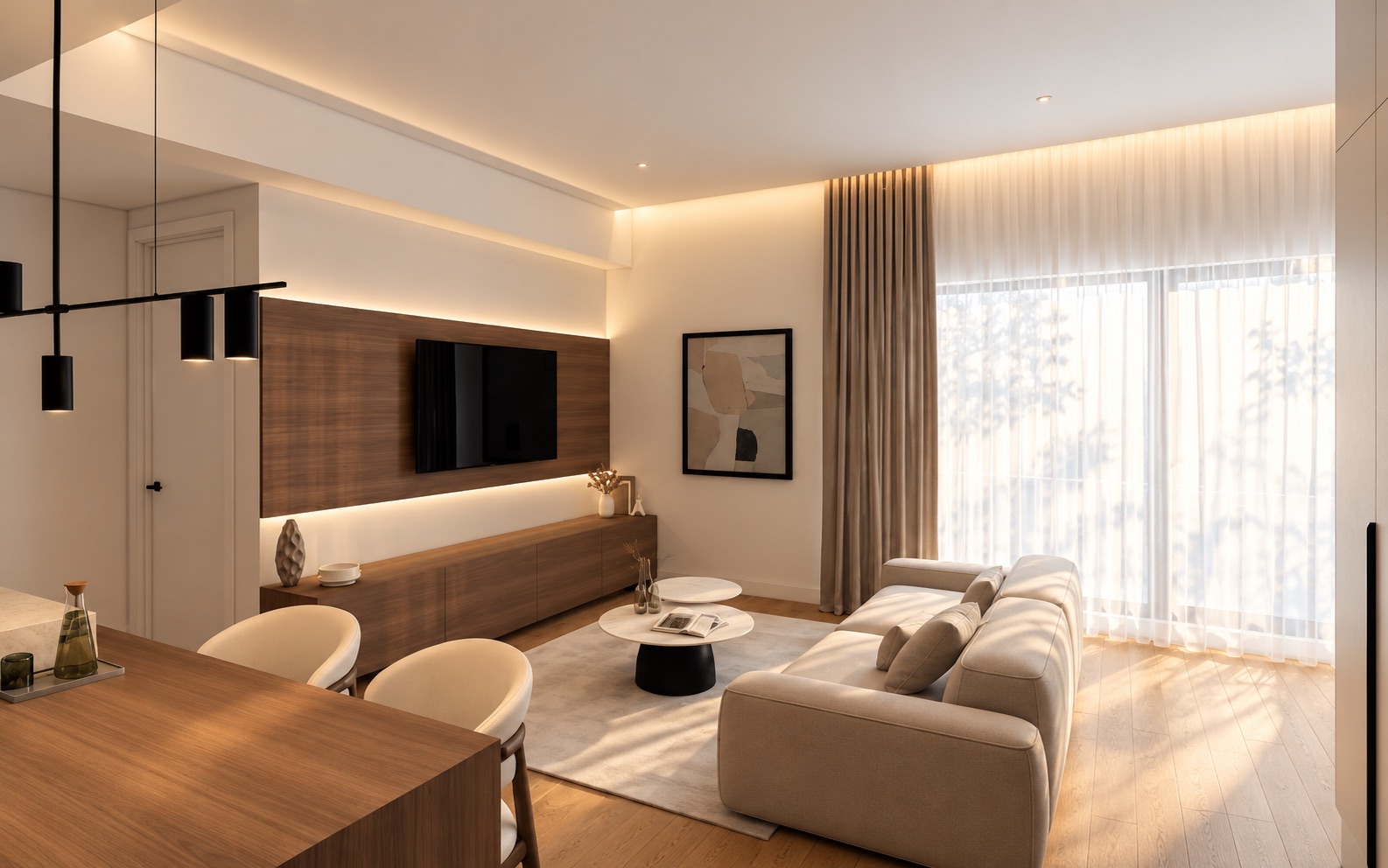
See how each room will look through images created by the Incraft team.Review the proposals and leave your notes right on the images.Site photos
See the photos uploaded by the team, when the project includes this stage.Follow the documented work visually.Inspiration
Add photos, examples and ideas you like.Your designer gets a clearer sense of the look you want.Supplier quotes
Review quotes for furniture, finishes and the other products your project needs.The information is in one place, so you can weigh it up before deciding.Invoices
Open the studio’s invoices and the other documents available in your account.No more searching through old chats and emails.Expense list
Log the products and amounts you spend on your home project.See how much you’ve logged and keep the invoices attached.
Simpler communication
Something to change?
Tell us right on the image.
Sometimes it’s hard to put into words exactly what you’d change in a render.
On the platform you can open the image and leave your comment right there. Your designer sees what you mean and can reply in the same place.
Adding inspiration photos is just as easy, to show us the styles, materials or details you like.
Fewer complicated explanations. More clarity in every decision.
Spending that’s easier to follow
Know what you’ve spent
and on what.
A home project comes with many purchases: furniture, lighting, finishes, accessories and more.
In your account you can log each purchase, with the amount paid and its invoice.
The platform adds up the total of what you enter, so you have a clearer record of your spending.
You add and manage the entries, and your designer can look at the list to talk the budget through with you.
Apartament FloreascaExample with demo data
16.11Corp de iluminatPDF900,00 lei
15.11Canapea7.500,00 lei
13.11Gresie baiePDF3.450,75 lei
11.11Vopsea lavabilăJPG640,00 lei
10.11Parchet stejar, 42 mpJPG12.600,50 lei
Total25.091,25 lei
Apartament Floreasca
Suntem la etapa 4 din 5.
- 1Etapa 1Finalizată
- 2Etapa 2Finalizată
- 3Etapa 3Finalizată
- 4Etapa 4Se lucrează chiar acum
- 5Etapa 5Urmează
Wherever you are
Your project,
always close at hand.
At home, at the office or on your way to a meeting, you can sign in straight from your phone.
There’s no app to install. The platform runs in your browser, and on iPhone and Android you can add it to your home screen for quicker access.
Your project’s documents, images and messages are at hand, whether you use your phone or your computer.
- Project documents are available only to you and the authorised team working on it.
- You choose your own password.
- The Incraft team will never ask for your password.
Like an app, on your home screen
- iPhoneIn Safari, tap the Share button and choose “Add to Home Screen”.
- AndroidIn Chrome, open the three-dot menu and choose “Add to Home screen”.
Simple from the start
Four steps and your project
is organised.
- 01
We talk about your project
Tell us what you have in mind and we’ll explain how we can help. The first consultation is free.
- 02
We start working together
Once we agree the services and start the project, your designer sets it up on the Incraft platform.
- 03
You get access by email
We send you an invitation to your personal account, where you set your password. The link in the invitation is valid for 7 days.
- 04
You follow your project
Sign in from your phone or computer and find everything uploaded as we work together.
Frequently asked questions
Everything you need to know
about the Incraft platform.
Click a card to see the answer.
Let’s turn your ideas into a well-organised project.
At Incraft, we believe a successful interior design project means more than beautiful images.
It means clear decisions, good communication and a team that helps you understand every stage.
The screens reproduce the platform’s real interface (in Romanian), with a demo project and names.
Your invitation arrives by email
Tell us about your space. The first consultation is free, and access to the client platform is included when we work together.
Request a free consultation